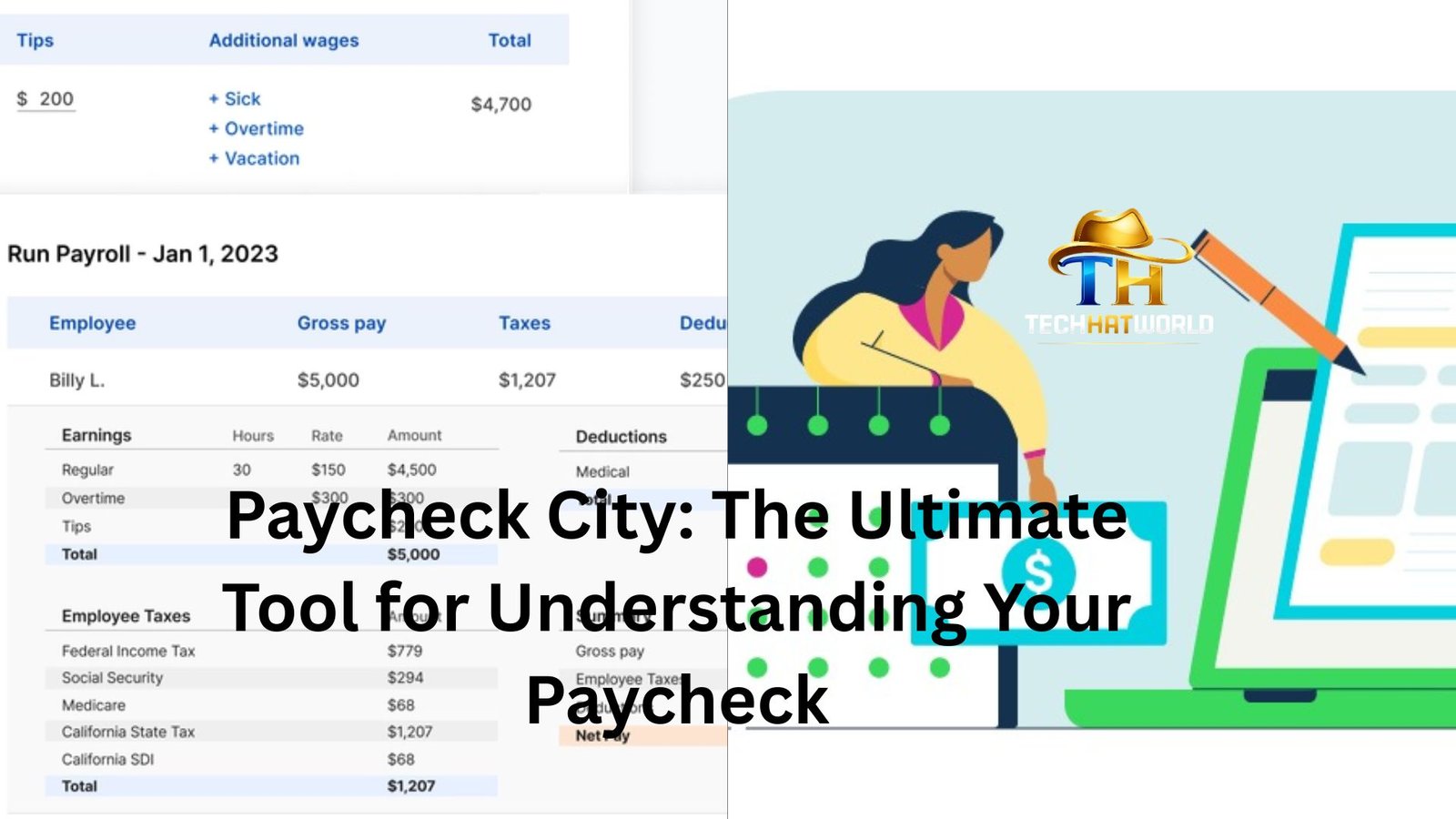
We all know the feeling. The excitement of seeing your paycheck hit your account, followed by the immediate confusion over all those deductions. How much is really yours? What’s taken out for taxes, benefits, and other expenses? And if you’re the type who likes to budget and plan ahead, the mystery of figuring out what your paycheck will be after all the deductions can be frustrating.
That’s where Paycheck City comes in.
Let’s be honest: navigating taxes and deductions can feel like trying to read a foreign language. But Paycheck City makes it so much easier. Whether you’re a full-time employee, a contractor, or someone with a side hustle, Paycheck City is like that trusted friend who always has the answers when it comes to paycheck calculations.
The Power of Simplicity
I remember the first time I used Paycheck City. I was fresh out of college, starting my first “real” job. The offer letter had my salary listed, but when the paycheck actually came through, I found myself staring at the numbers, trying to figure out why the amount wasn’t quite what I expected. Taxes? Health insurance? It was all a bit overwhelming.
That’s when I found Paycheck City. It looked simple enough. Just enter a few details, like your salary, filing status, and state, and voila – you get a clear picture of what your paycheck will actually look like after deductions. I was hooked. It saved me time, reduced stress, and most importantly, it gave me clarity.
How Paycheck City Works: The Nuts and Bolts
At its core, Paycheck City is a paycheck calculator. But it’s not just a basic tool. It’s an entire platform that helps you understand the breakdown of your paycheck, tax deductions, and what goes into your take-home pay. If you’ve ever found yourself Googling “how much will I make after taxes?” Paycheck City eliminates that guesswork.
When you first log in, you’ll be asked to enter details about your job. Things like your salary, whether you’re salaried or hourly, your tax filing status (single, married, etc.), and any additional deductions you might have (think 401(k), health insurance, etc.). Once you’ve plugged in your numbers, the calculator spits out a detailed breakdown.
Here’s where it gets interesting. Paycheck City doesn’t just show you your paycheck. It also gives you insight into things like:
- Federal and state taxes: How much will be deducted for both?
- FICA: That sneaky Social Security and Medicare tax.
- Other deductions: Whether you’re paying into a retirement fund, your healthcare plan, or a cafeteria plan, Paycheck City shows you where every penny goes.
- Yearly summary: You can also see how all this adds up over the course of the year, so you’re not caught off guard when tax season comes around.
It’s like a mini tax class with no homework.
Why It Matters for Your Financial Planning
Okay, so Paycheck City tells you how much you’re going to take home after taxes and deductions. But why does this matter? Well, understanding your paycheck is one of the first steps in building a solid financial plan. Whether you’re budgeting for monthly expenses, saving for a vacation, or trying to pay down debt, knowing exactly what your take-home pay is will help you set realistic goals.
For example, let’s say you’re planning to set aside 20% of your paycheck for savings. If you have no idea what your net pay actually is, that 20% can be a shot in the dark. But with Paycheck City, you know exactly what your paycheck looks like after all the deductions. You can budget more accurately, avoid overspending, and even start investing.
If you’re someone who gets paid hourly, this tool is a godsend. I have a friend who works as a freelance graphic designer, and while he knows his hourly rate, he never quite knew how much to set aside for taxes. Paycheck City gave him the answer with just a few clicks. Instead of guessing and stressing, he now has a clear picture of what his hourly rate translates to after taxes, and he can plan his savings and expenses accordingly.
What About Different Pay Schedules?
Another cool thing about Paycheck City is its ability to handle different pay schedules. We all know that paychecks don’t look the same every time. Some people are paid bi-weekly, others monthly, weekly, or even semi-monthly. Paycheck City lets you choose the schedule that fits your situation, and it calculates everything based on your chosen frequency.
It’s a small thing, but it makes a big difference. If you’re paid weekly, your paycheck calculations will look different than someone who’s paid monthly. Paycheck City tailors its results to fit the specifics of your pay cycle, so you can see exactly how much you’ll take home, no matter how often you’re paid.
Is Paycheck City Only for Employees?
While Paycheck City is primarily designed with salaried employees in mind, freelancers and contractors can also benefit from the platform. If you’re self-employed, you don’t have a standard paycheck, but you still need to calculate your taxes, income, and other financial details.
Using the Paycheck City calculator, a freelancer can input their expected income, deductions, and filing status to get an estimate of what they’ll owe in taxes. This is especially useful during quarterly tax seasons, when freelancers are responsible for paying their own income taxes directly to the IRS.
Let’s say you’re a freelance writer, and you’re not sure how much of your income should be set aside for taxes. Paycheck City lets you estimate this, so you’re not hit with a huge bill come tax season. With Paycheck City, it’s easy to keep track of your finances and avoid the shock of unpaid taxes later on.
The Tax Deductions Mystery
Here’s the thing: taxes are confusing. And unless you’re an accountant (or you’ve spent a lot of time on TurboTax), you probably don’t understand every line item on your paycheck. Paycheck City helps clarify what each deduction is and how much it’s taking from your pay.
For example, take FICA taxes (Federal Insurance Contributions Act). Most people see the term but have no idea what it covers. In simple terms, FICA is split between Social Security and Medicare. Paycheck City breaks down how much is going to each one, and you can see exactly what percentage is being taken out for these programs.
But what if you’re in a state with state income tax? Yep, Paycheck City handles that, too. It will calculate your state-specific tax rates and show you how that impacts your paycheck. So, whether you’re in a state like Texas with no state income tax, or California where taxes are a bit more… let’s say, “enthusiastic,” Paycheck City accounts for it.
It’s Not Just About Taxes
While Paycheck City is a fantastic resource for understanding taxes, it’s also valuable for other financial planning areas. Let’s say you’re setting up your 401(k) or health insurance deductions, or maybe you have a new baby and need to add dependent benefits. Paycheck City can calculate how these deductions impact your take-home pay, and help you adjust your budget accordingly.
The thing is, life changes. And with those changes, your financial situation often requires some tweaking. Paycheck City lets you plug in different scenarios and see how they affect your paycheck. Maybe you get a raise, change your health plan, or decide to contribute more to retirement savings. Whatever the change is, Paycheck City helps you see the impact on your paycheck before you make the decision.
The Takeaway: Empower Yourself with Knowledge
At the end of the day, Paycheck City isn’t just about seeing a number. It’s about understanding your finances, feeling empowered, and taking control of your money. Instead of being confused by your paycheck, you’ll know exactly what’s going on with every deduction.
It’s like knowing the recipe behind your favorite dish. Sure, the final product is important, but understanding how all the ingredients work together makes you a smarter, more informed person.
So, next time you look at your paycheck, don’t just accept the numbers. Use Paycheck City to dive into the details, and watch as your financial confidence grows. It’s an easy step toward managing your money better, whether you’re a salaried worker or a freelancer hustling hard for every penny.